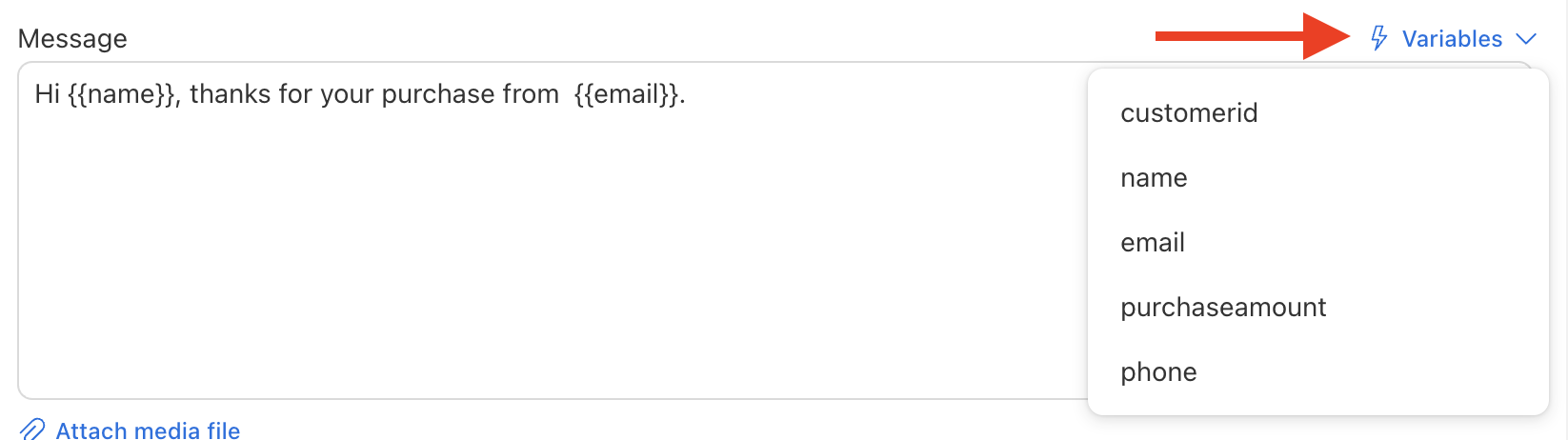
Variables (sometimes called custom fields) are placeholders you insert into your message that get replaced with personalized data for each contact. Here’s how they work:
- When you import contacts, include columns beyond just “Phone Number” (for example “Name”, “Amount”, “City”).
- During message composition, insert placeholders using the format
{{ColumnName}}. For example:{{Name}},{{City}}. - Send Blaster Pro matches the placeholder to the corresponding column for each contact.
- If a contact record lacks a value for a particular column, omit that placeholder for that contact.
- Use variables to tailor messages: “Hello {{Name}}, your appointment in {{City}} is confirmed for {{Date}}.”
By leveraging variables correctly you can significantly increase engagement and relevance in your campaigns.