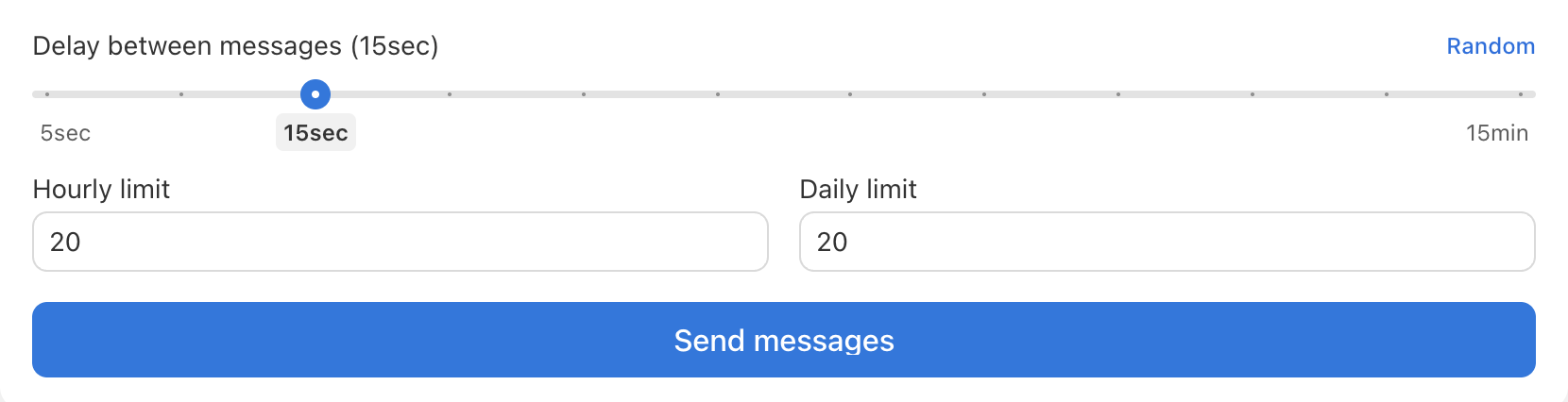
To avoid being flagged by carriers or platforms, sending messages in very quick succession can pose risks. Use delays to regulate sending rate:
- In the Send Blaster Pro sending settings, locate the Delay / Interval option.
- Use slider to change time (for example, 10 seconds between each message).
- The system will wait that interval between sending each message in the batch.
- Combine the delay with hourly or daily limits to stay within safe thresholds.
- Delay helps mimic natural messaging behavior, improves deliverability, and reduces the chance of your number being throttled or blocked.
- After setting delay, start the campaign, monitor the send rate, and adjust if needed based on feedback or limits.
- Also have open to have a fixed delay or random delay between selected time.