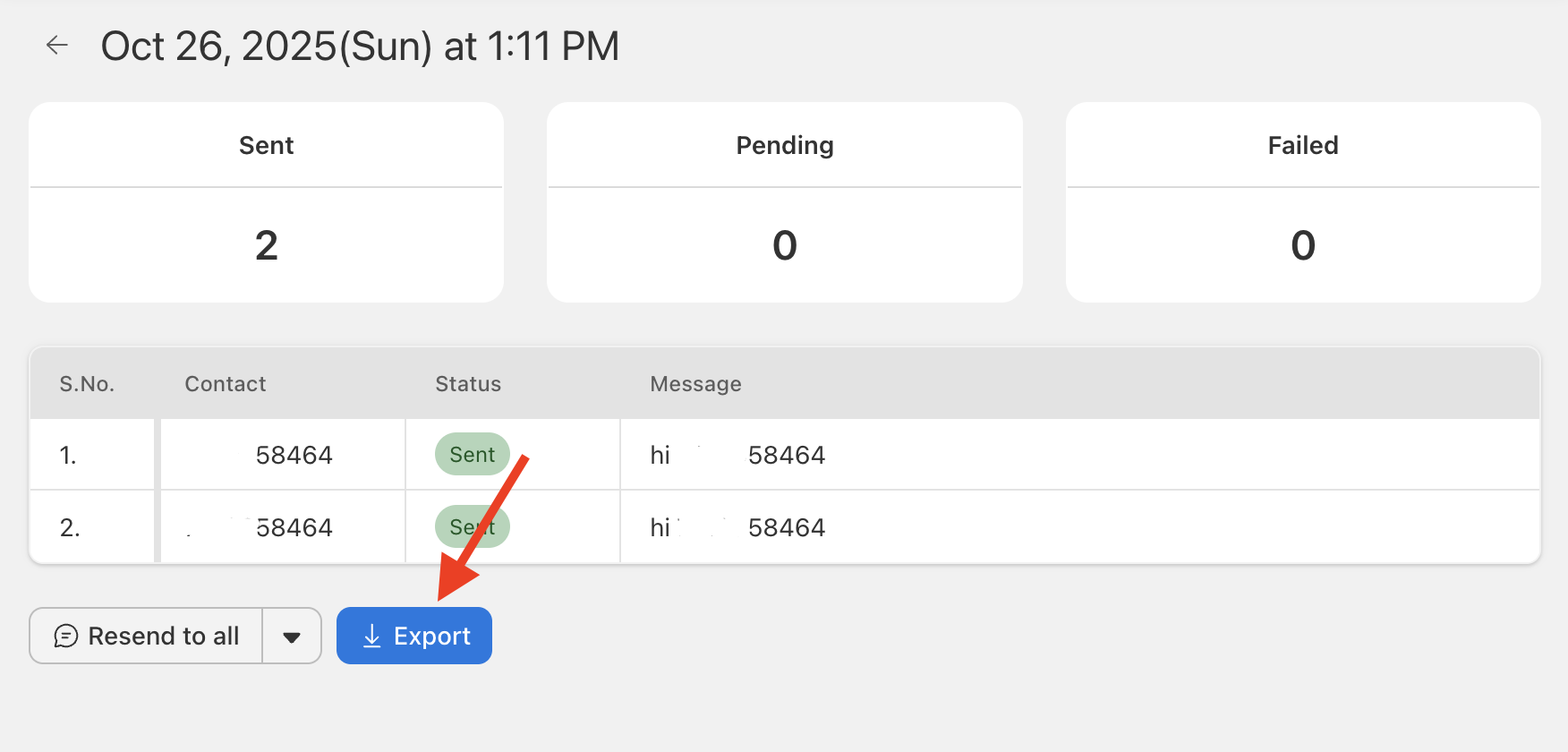
Send Blaster Pro includes a dashboard to monitor sends and download data:
- Navigate to Reports in the menu.
- Select a recent campaign. You’ll see live status: total messages, sent, failed, pending.
- To download results: click Export. This file will show each contact, send time, status, and any error code.
- Use the report for analysis, follow-up, or auditing.
- If you want to cancel an active report before completion, go to the same page and click Cancel (See how to cancel active report).