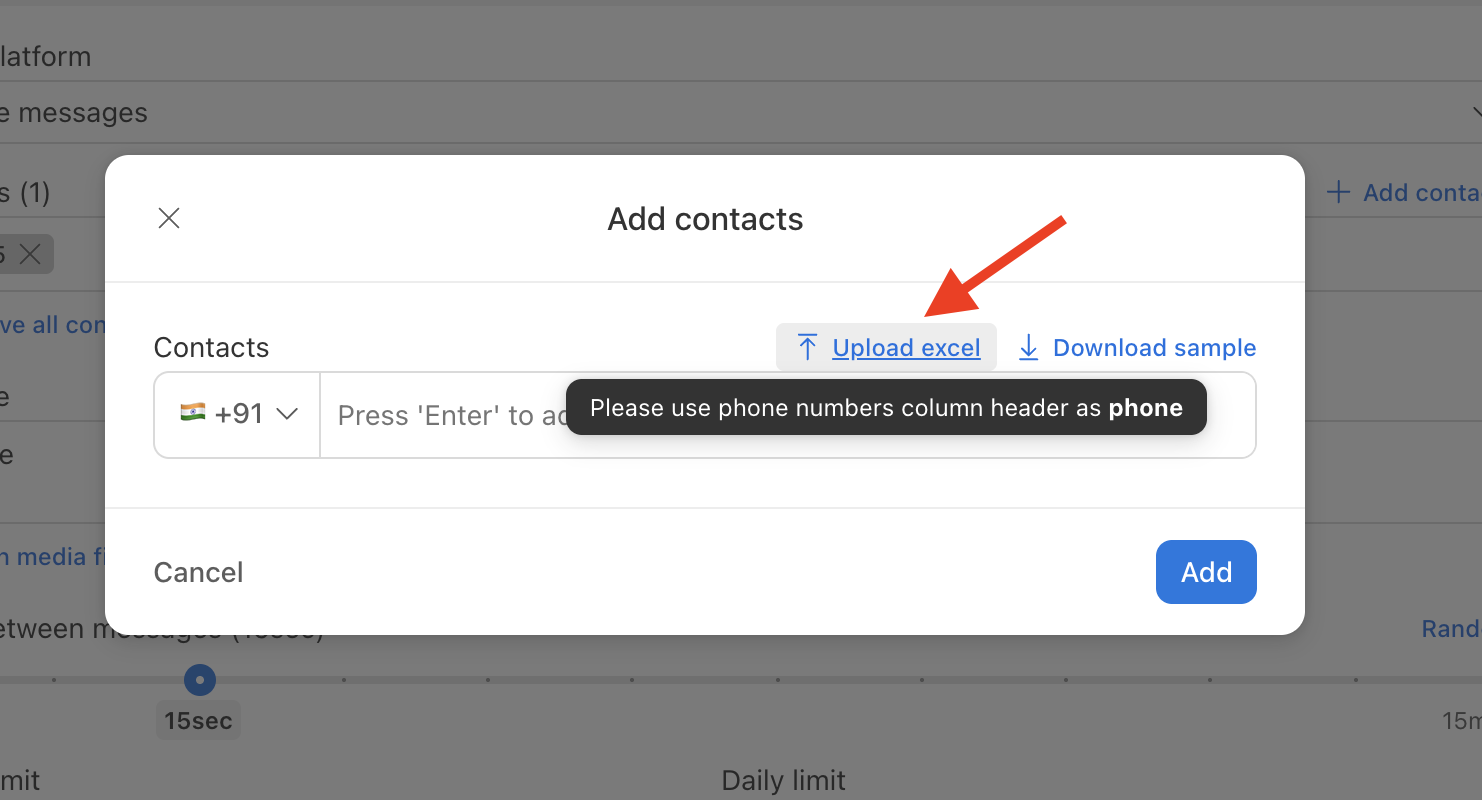
To import contacts in bulk:
- Format your contact list as a CSV or Excel file. Ensure each row has at minimum: Phone, and optionally additional fields like Name, CustomField1, etc.
- In Send Blaster Pro, go to Contacts > Add contacts > Upload excel.
- Upload the file
Once imported, the contact list appears in your dashboard and can be used when sending a campaign. For details and file checkout Excel upload guide