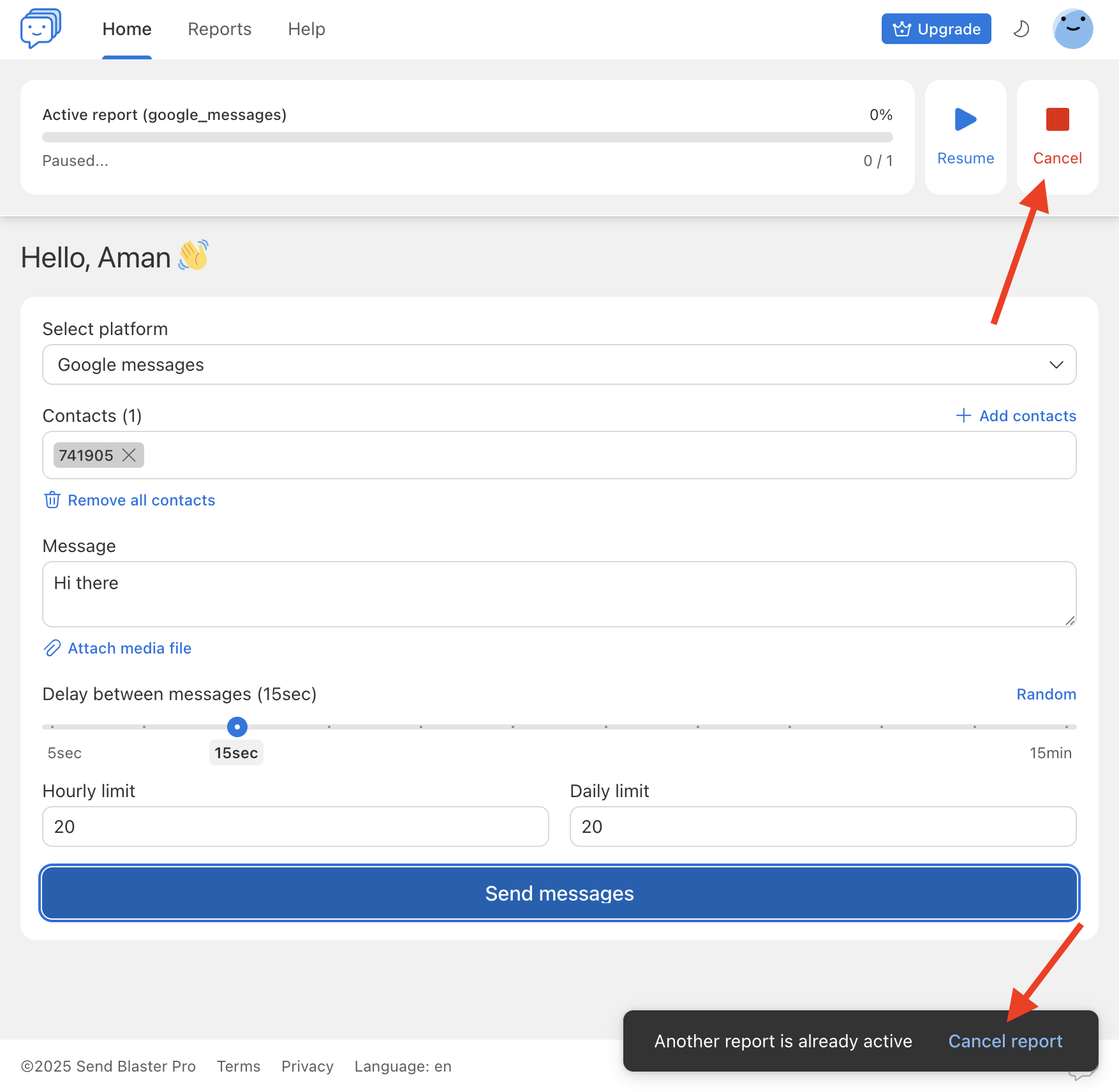
If you’ve initiated a bulk send and wish to stop it (or cancel a report in progress):
- On the Send Blaster Pro dashboard, locate the active report in the “Reports”/”Header” section.
- Click the Cancel (or “Stop”) button associated with the report.
- The system will immediately halt sending any further messages in that batch.
- A confirmation alert will appear to confirm that the send was cancelled.
- After cancellation, you may review which messages were already delivered, which remain pending, and optionally resend the remaining to the desired contacts.